Find your way around
A short tour of the blog and this portal — where to start, what unlocks with a free account, and the features most readers miss on their first visit.
1. Find your track on the blog
The blog groups its tags into three reader tracks. Pick one on any blog index page and the pill filters the list to just that track — no account needed.

AI News & Industry Watchers
Weekly AI signals, model releases, safety, and industry context.
Browse this track →Prefer to browse by topic instead? Every post also carries tags, and the tag cloud and search on the blog work independently of the track pills — use whichever gets you to the right post faster.
2. Read the deep-dive sections for free
Longer technical tutorials open with a free introduction. Past that, some sections are locked behind a 🔒 "Subscribe to keep reading" prompt — this is not a paywall for money, it unlocks the moment you create a free account or tick the newsletter box on your profile.
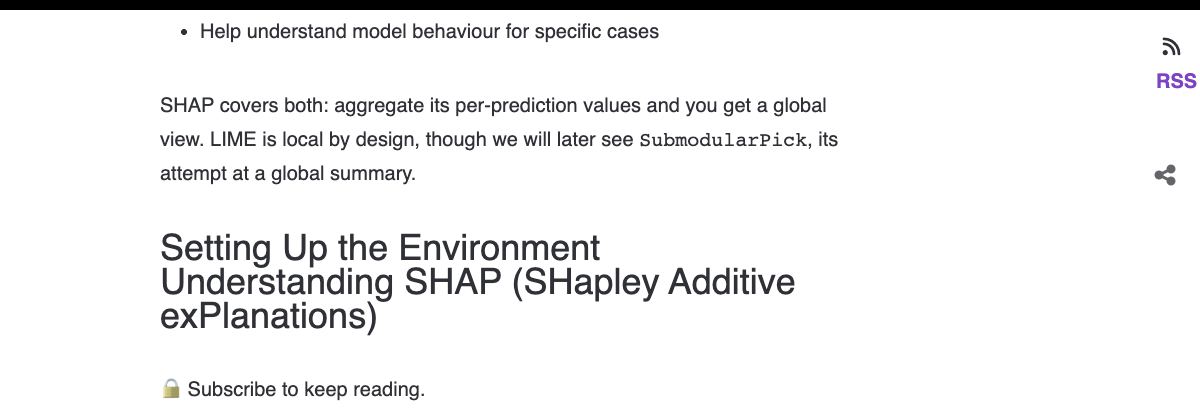
Already logged in and still seeing the lock on a post you expect to read? Log in with the same email you subscribed with — a mismatched account is the most common cause, and Support can fix it fast.
3. Save your place mid-article
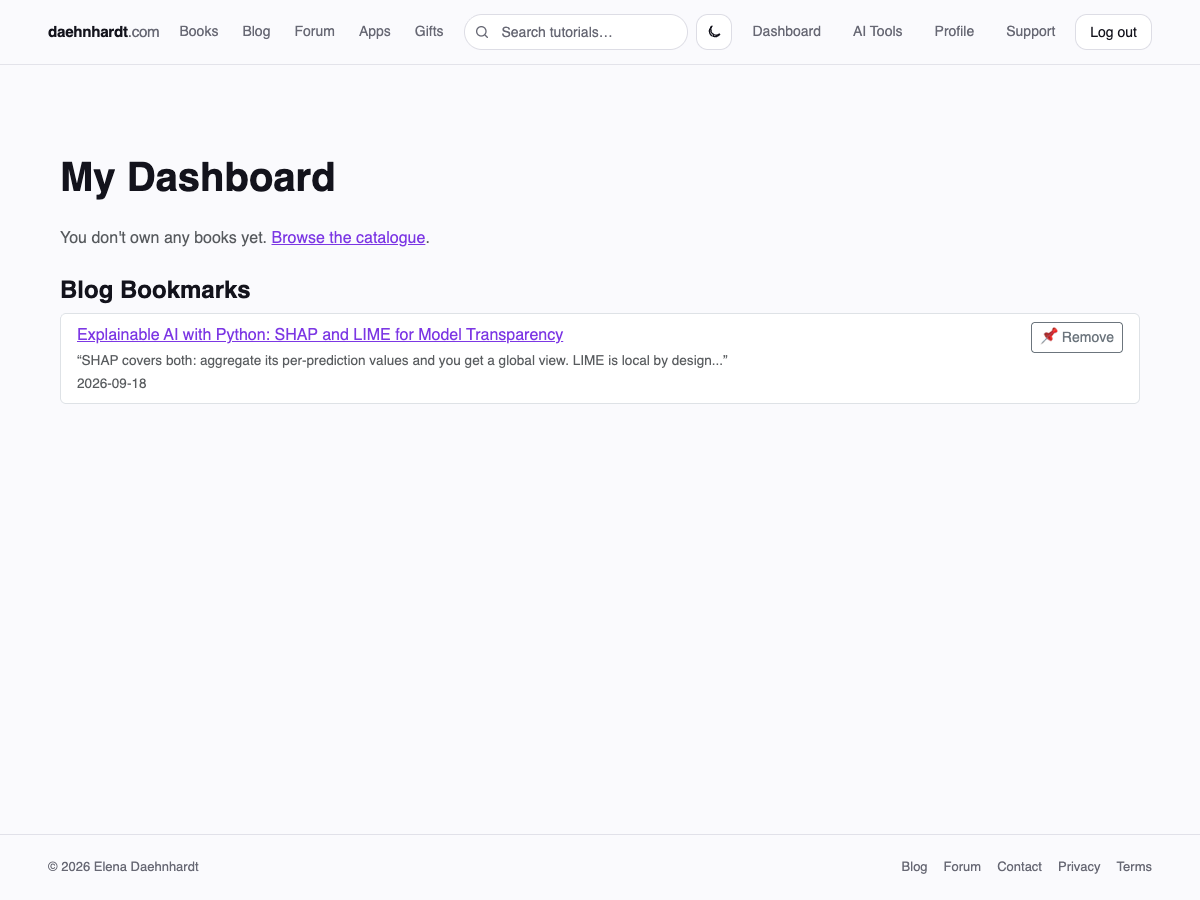
While reading, click any paragraph or heading to drop a bookmark right there — one per post, and clicking a different block just moves it. Every bookmark you've placed, across every post, shows up on your Dashboard.
4. Claim your subscriber gifts
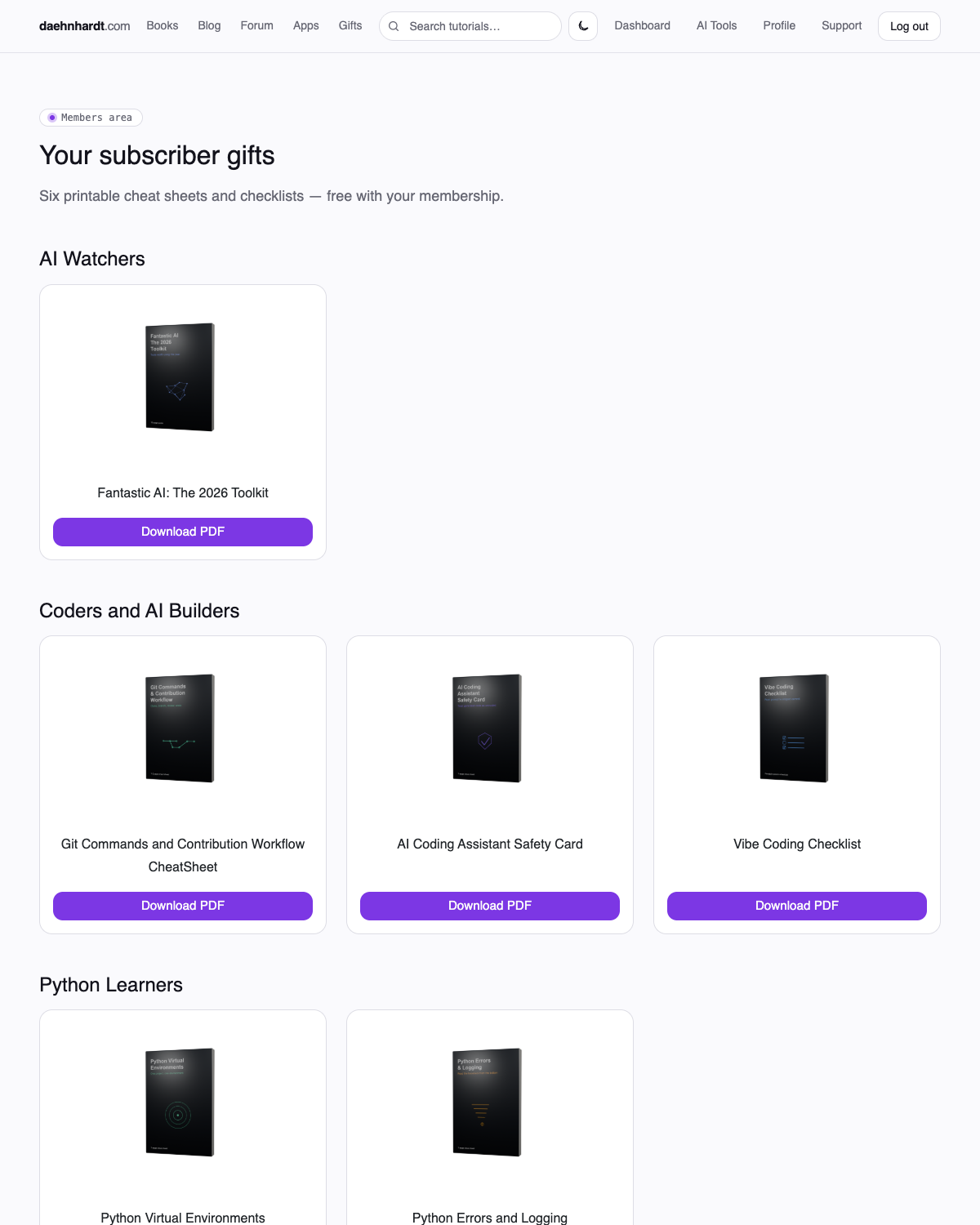
Free with a subscribed account: a set of printable cheat sheets and checklists, grouped by the same reader tracks as the blog — so it's easy to grab the ones actually relevant to what you build.
5. Browse the AI tools directory
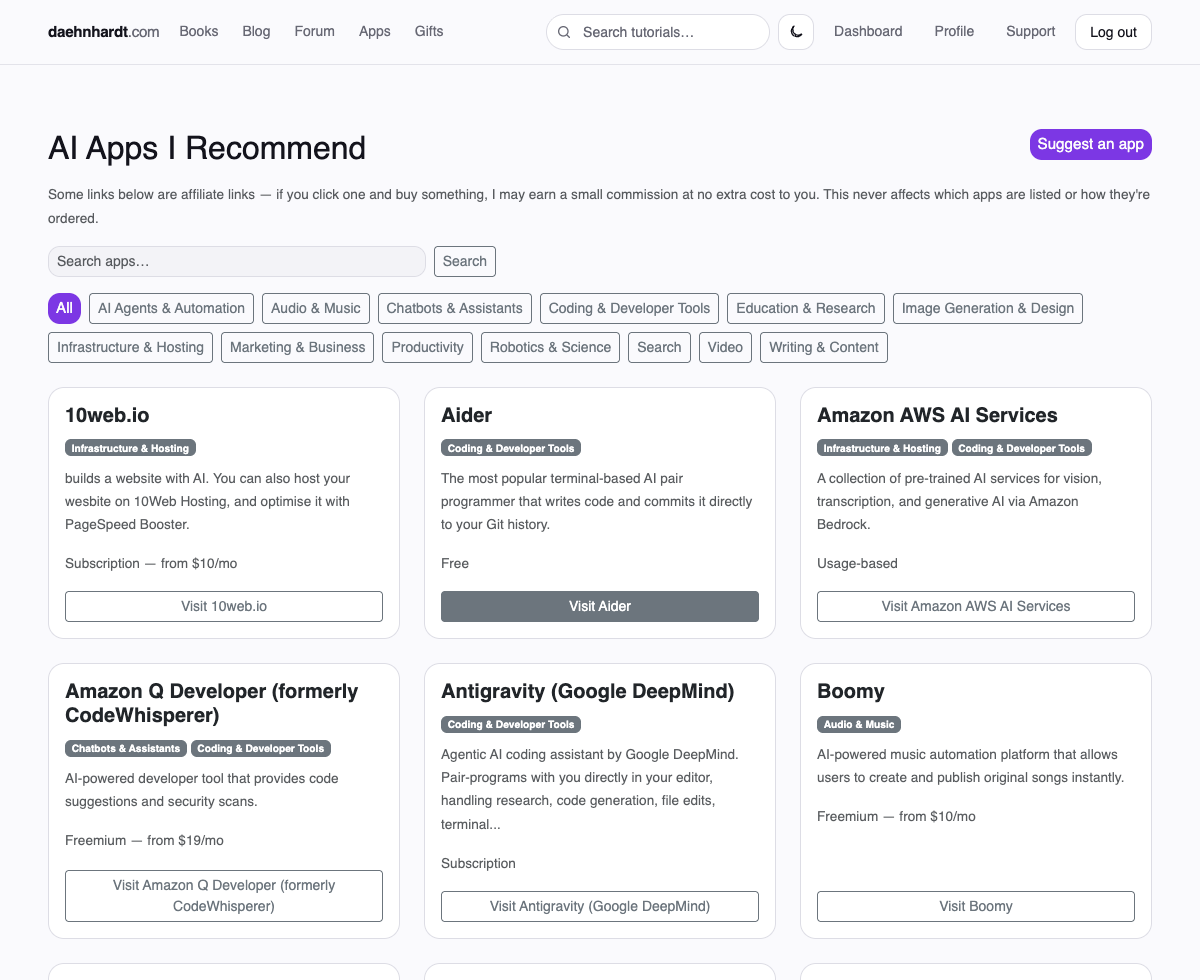
A curated, filterable directory of the AI apps and services Elena actually uses or recommends — coding assistants, agents, image and audio generators, and more — searchable by category rather than a wall of undifferentiated links.
6. Search, ask, and discuss
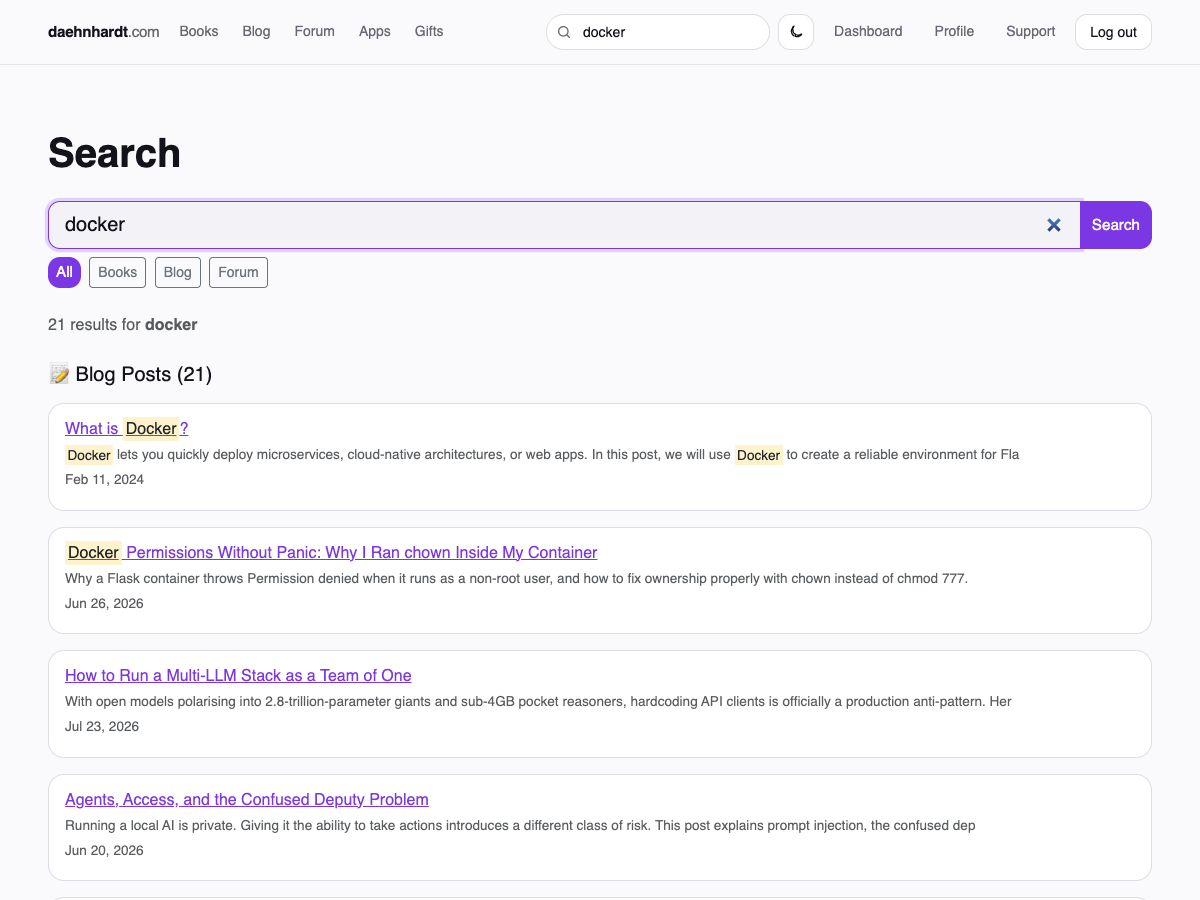
One search box covers books, blog posts, and forum threads at once — useful when you remember a topic but not which track it lives under. If you'd rather ask a question directly, the forum is free with any account, and Support is the fastest way to reach Elena about an account or access issue.
Ready to unlock the rest?
Free account, no card required — unlocks gated tutorials, bookmarking, gifts, and comments.